AI Inbox Design & Email Management for Project Managers
Your inbox is not a filing problem. Thirty years of research says the thing productivity advice sells you — folders, labels, inbox zero — addresses storage, while everything measured as actually costly is about visibility and what you are waiting on.
This session is the practical half. One line you can run before anything is explained, then a four-rung ladder from zero automation to an AI assistant working your mailbox on a schedule — with the governance step most videos skip, and an honest account of what breaks.
Gmail is the worked example throughout. If you are in Outlook the ideas transfer and the commands differ.
The searches
Paste these straight into the Gmail search box.
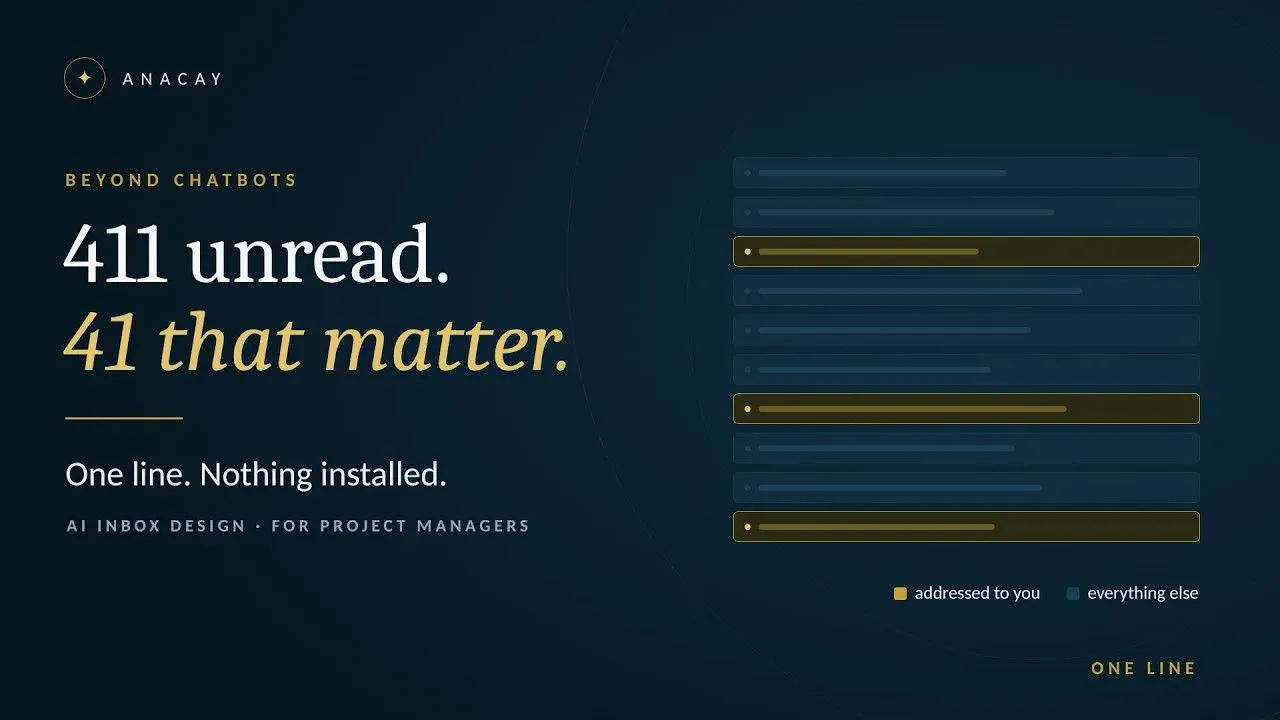
Addressed to you, not copied, still unread — the opening lineto:me -cc:me is:unread
Promotions and social, if you use category tabscategory:promotions OR category:social
Mail from a mailing listlist:name@example.com
Unlabelled and older than a monthhas:nouserlabels older_than:30d
What you sent in the last two weeks — your register of what you promisedfrom:me newer_than:14d
The downloads
The prompt, the ten-line context block, the sample mailbox, the pre-written email to IT, and the two-week test are all attached to this episode. The ten lines are the real work and the one part nobody can do for you.
What the research says, and who said it
- Filing does not improve retrieval success — Whittaker, Matthews, Cerruti, Badenes & Tang, 345 users and more than 85,000 refinding actions
- The action folder, 1996 — Whittaker & Sidner, 20 office workers; five set up a separate folder for things needing action and four abandoned it
- Email as a task management system, and overload as a quality problem rather than a volume problem — Bellotti, Ducheneaut, Howard, Smith & Grinter, Human‑Computer Interaction 20, 2005
- Who is on the message predicts action better than how important it is — Dabbish, Kraut, Fussell & Kiesler, CHI 2005
- Checking three times a day lowered daily stress; the volume handled did not change — Kushlev & Dunn, 2015
- What email time actually measures: 1 hr 23 min a day logged, against the 28% figure quoted everywhere — Mark, Iqbal, Czerwinski, Johns & Sano, CHI 2016
- Gmail's own importance model, and why its false negatives are three to four times its false positives by design — Aberdeen, Pacovsky & Slater, NIPS 2010
- Why ranking by what you clicked cannot capture what mattered — Alrashed, Lee, Bailey, Lin, Shokouhi & Dumais, WWW 2019
- Alert spam, and why Google's own SRE book says email alerts are rarely read or acted on
- Alarm fatigue as an accreditation requirement — The Joint Commission, Sentinel Event Alert 50
- Gmail filters, and why they are a desktop‑only feature
A note on what is not proven
Several things in this session are absences rather than findings, and they are said that way on camera. I could not find a controlled test of inbox zero in any design. I could not find a study measuring backlog triage after an absence. I could not find a measured false-archive rate for any mainstream AI triage product. Where the evidence runs out I say so rather than filling the gap.